CATEGORY - PAYMENTS
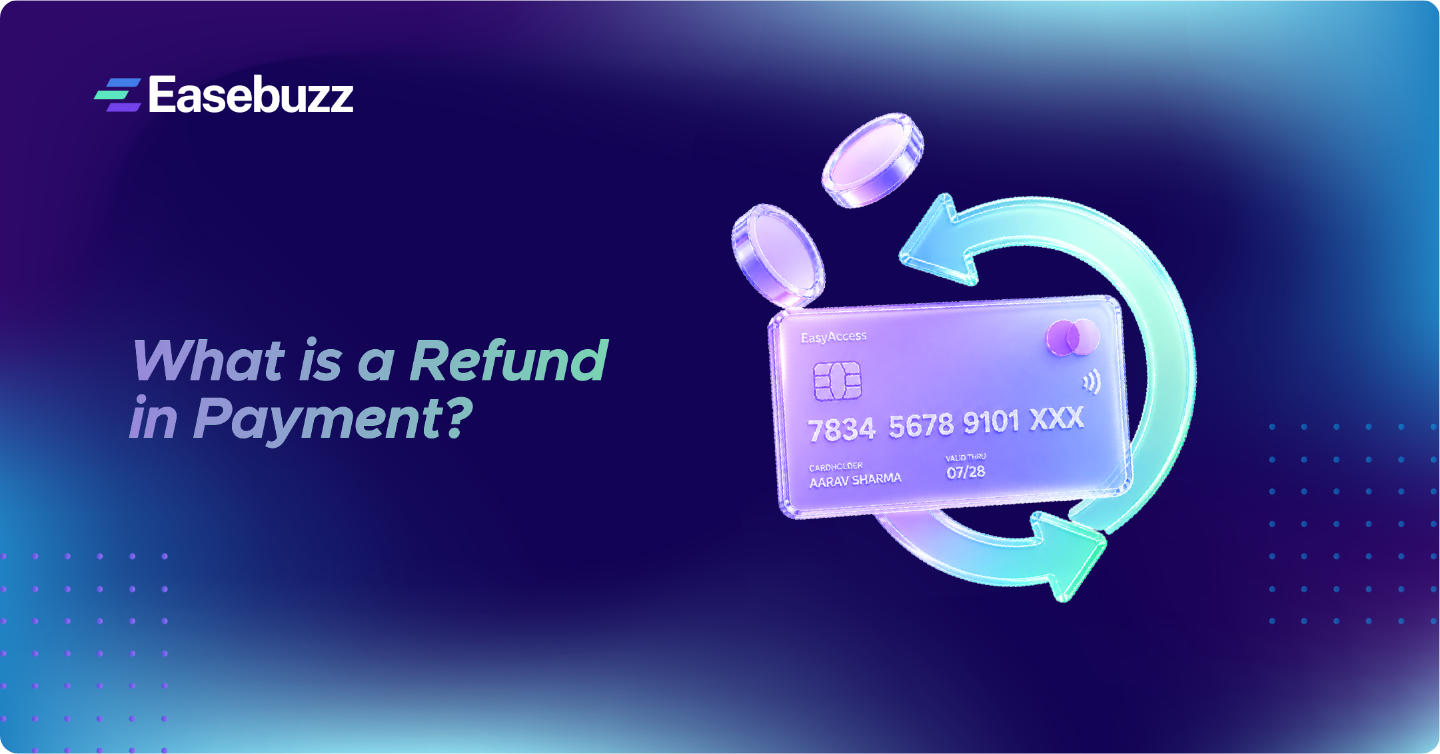
What is a Refund in Payment? Meaning, Types & How It Works
Payments - 5 May, 2026
-
Table of Contents
You ordered something online, cancelled it within minutes but the money is still gone from your account three days later. Sound familiar? Most of us have been there.
In a country where UPI alone processes billions of transactions every month, refunds are not an edge case. They are an everyday reality. Yet for most people, the refund process feels like a black box: you raise a request and then just wait, hoping the money comes back.
This piece breaks down exactly what a payment refund is, how it moves through the system, what actually causes delays, and what you should do if things go wrong. Whether you are a first-time online shopper or a merchant managing returns, this one is for you.
What Is a Payment Refund?
A payment refund is the process of returning money to a customer after a successful transaction has already been completed. This is different from a failed payment where the money bounces back on its own or a chargeback, where the bank forcibly reverses a transaction after a dispute.
A refund is merchant-driven. The seller or service provider approves the return and instructs their payment system to send the money back. From there, it passes through multiple layers: the payment gateway, the card network or NPCI, and finally your bank before it lands back in your account.
Three terms people often mix up:
-

Refund: Merchant initiates it after a successful payment. Takes 3–10 days.
-
Reversal: Happens automatically when a transaction fails mid-way. Usually within 24–48 hours.
-
Chargeback: You dispute a charge with your bank directly. Takes 30–90 days to resolve and comes with penalties for the merchant.
"A proactive refund by a merchant is always better than a chargeback. It is faster for the customer and less costly for the business."
Types of Payment Refunds
Not all refunds look the same. Here are the main types:
Based on How Much Is Returned
-
Full Refund - The entire transaction amount is returned. Common in order cancellations.
-
Partial Refund - Only part of the amount comes back. For example, if you return one item from a three-item order.
-
Pro-rated Refund - Used in subscriptions. If you cancel mid-cycle, you get the unused days back.
Based on How You Paid
-
UPI Refund - Governed by NPCI: Auto-reversals for failed payments are fast; merchant refunds follow the standard window.
-
Credit / Debit Card Refund - Processed via Visa or Mastercard networks. Shows up as a statement credit.
-
Wallet Refund - Back to the wallet (Paytm, PhonePe) is fast. Back to the bank takes longer.
-
BNPL / EMI Refund - Most complex: The loan itself has to be reversed or closed.
-
Cash on Delivery (COD) Refund - Usually settled as a wallet credit or bank transfer, not cash.
Based on Who Triggers It
-
Customer-requested - You raise a return or cancellation and the merchant approves it.
-
Merchant-initiated - Seller proactively refunds due to a stock issue, duplicate charge, or service failure.
-
Auto-reversal - System-triggered when a transaction fails but money is debited.
-
Chargeback - Your bank forces a refund after a dispute. Not technically a voluntary refund.
How Does a Refund Actually Work?
Here is what happens behind the scenes when a refund is raised, something most explainers skip over.
-
Step 1: You raise a refund request with the merchant through their app, website, or customer support.
-
Step 2: The merchant reviews and approves the request. This alone can take 24–72 hours depending on the business.
-
Step 3: The merchant's payment gateway like Easebuzz receives the refund instruction via API.
-
Step 4: The gateway routes the refund to the relevant network. UPI refunds go through NPCI. Card refunds go through Visa or Mastercard. Wallet refunds stay internal.
-
Step 5: The network passes the credit instruction to your issuing bank, the bank that gave you your card or holds your account.
-
Step 6: Your bank posts the credit in its next available settlement cycle. Most banks run multiple settlement batches a day, but weekends and public holidays pause this.
-
Step 7: The money appears in your account or card statement.
"The merchant and payment gateway usually do their part in 24–48 hours. Most delays happen at the bank's end during settlement."
Refund Timeline by Payment Method
This is the most asked question, so here is a clear breakdown:
| Payment Method | Typical Refund Time | Where It Appears |
|---|---|---|
| UPI (failed transaction) | 24–48 hours (auto-reversal) | Your linked bank account |
| UPI (merchant refund) | 5–7 working days | Your linked bank account |
| Credit Card | 7–10 business days | Card statement / billing cycle |
| Debit Card | 3–7 business days | Bank account |
| Net Banking / NEFT | 2–3 business days | Bank account |
| IMPS | Within 2–4 hours | Bank account |
| Paytm / PhonePe Wallet | Instant to 24 hours | Wallet balance |
| Wallet → Bank Transfer | 5–7 working days | Bank account |
| Amazon Pay Balance | Instant to 2 hours | Amazon Pay balance |
| BNPL / EMI | 10–15 business days | Loan account / source |
A few things to keep in mind: bank working days exclude weekends and public holidays. So if a refund is initiated on a Friday evening, you may not see movement until Tuesday. NPCI mandates that UPI refunds must be completed within T+5 business days; anything beyond that is a delay the merchant or bank must account for.
Platform Specific: PhonePe, Paytm, Google Pay, Amazon Pay
-
PhonePe Refund:
PhonePe operates as a UPI interface; it does not hold your money. Refunds for merchant transactions take 5–7 working days and land in your linked bank account. For failed transactions, the auto-reversal usually completes within 24–48 hours. To check status: open the app → History → tap the transaction → you will see the refund status. To escalate, tap 'Need Help' on that screen. -
Paytm Refund:
If the original payment was to your Paytm Wallet, refunds are usually instant. For UPI or card payments, expect 5–7 working days. Paytm Postpaid (BNPL) refunds are more complicated and can take 10–15 days since the underlying loan has to be reversed. Track via Passbook in the app. If unresolved, Paytm's support can share a UTR number, which you can then take to your bank. -
Google Pay (GPay) Refund:
GPay has no wallet of its own; it is purely a UPI front-end. Every refund goes directly to your linked bank account. There is nothing held inside GPay. The 5–7 working day timeline applies here too for merchant refunds. If a payment simply failed, the reversal is automatic and usually faster. To dispute, go to Help → Report an Issue inside the app. -
Amazon Pay Refund:
Amazon Pay Balance refunds are nearly instant; most credits show up within an hour or two. For original card or UPI payments, the standard 5–7 business day window applies. COD order refunds go either to Amazon Pay Balance or via bank transfer within 3–5 days. Check status under Your Orders → Return / Refund Status.
Why Refunds Get Delayed
There is no single villain here. Delays happen across the chain:
-
Merchant approval takes time - some businesses have a 2–3 day internal review process before even initiating the refund.
-
Settlement batch windows at banks mean credits do not post in real time. If the batch missed its cut-off, it rolls to the next one.
-
Bank holidays, weekends, and public holidays pause NEFT and RTGS processing entirely, though UPI infrastructure stays active 24/7.
-
Closed or dormant bank accounts: if your account was closed after the original payment, the refund bounces back to the sender and has to be reprocessed manually.
-
For credit cards, the refund credit does not always immediately restore your credit limit. This depends on your bank.
-
International refunds involve forex settlement, which adds SWIFT processing delays on top of the usual timeline.
What to Do If Your Refund Has Not Arrived
Follow this in order before escalating:
-
Wait out the full standard window: Raising a dispute on Day 3 when the window is 7 working days only creates noise.
-
Check the transaction status inside the app: PhonePe, Paytm, GPay, and Amazon Pay all show whether the refund is initiated, processed, or credited.
-
Contact the merchant and ask for the ARN (Acquirer Reference Number): This is the tracking ID your bank's back-office team can use to trace the credit in their system.
-
Visit or call your bank, share the ARN and transaction date: They can tell you exactly where the money is sitting.
-
Raise a dispute on the payment platform if the merchant is unresponsive.
-
File a complaint on the NPCI dispute portal (dispute.npci.org.in) for UPI issues, or the RBI Ombudsman portal (cms.rbi.org.in) if the bank is unresponsive beyond 30 days.
-
For amounts above Rs. 1 lakh with no resolution, you can file on the National Consumer Forum at edaakhil.nic.in.
"Always save your transaction ID, ARN, and all merchant communication as screenshots. These are your strongest tools in any escalation."
Conclusion
Refunds in India have come a long way. UPI auto-reversals are fast, wallets credit almost instantly, and the regulatory framework under RBI is stronger than it used to be. But the middle stretch between the merchant approving your refund and your bank actually posting the credit is where most of the confusion lives.
Know your timeline, track the status actively, and do not hesitate to ask for the ARN. With the right reference number in hand, no bank can tell you the money is untraceable. And if they do, you now know exactly which escalation path to take.
FAQ’s
How many days does a refund take to come back?
UPI merchant refunds: 5–7 working days. Credit card: 7–10 business days. Wallet credits: usually instant to 24 hours. Start counting from the day the merchant actually initiates the refund, not the day you requested it.
Why does my PhonePe refund show 'initiated' but the money has not come?
Once PhonePe shows 'initiated,' the money has left their system. It is now in your bank's queue waiting to be posted. Give it 3–5 more working days. If it still has not landed, ask PhonePe for the UTR number and take it to your bank branch.
Will a Google Pay refund go to my GPay or my bank?
Your bank account. GPay does not hold any money, it is purely a UPI wrapper around your bank account. There is no GPay wallet to refund to.
My Paytm refund has been pending for 10 days. What should I do?
If it was a UPI or card transaction, 10 days is beyond the standard window. Ask Paytm support for a UTR or ARN number. Contact your bank with this reference. If both Paytm and your bank are unhelpful, escalate to the RBI Ombudsman portal.
Can I get a refund on an EMI order?
Yes, but it takes longer. The lender (bank or NBFC) has to reverse or close the loan. If EMIs have already been deducted, they are usually refunded but check whether any processing or foreclosure charges apply. Expect 10–15 business days.
What is an ARN number and why does it matter?
ARN stands for Acquirer Reference Number. It is a unique 23-digit code generated when the payment gateway processes your refund. Think of it as the tracking number for your refund. Without it, your bank cannot trace the credit. Always ask the merchant for the ARN if you are following up on a delayed refund.
What happens if my account is closed and a refund is sent to it?
The bank rejects the credit and returns it to the payment gateway or merchant. The merchant then has to reprocess the refund to an active account. This can add another 7–15 days. Always make sure your account linked to payment apps is active and operational.
What is the difference between a refund and a chargeback?
A refund is voluntary; the merchant sends the money back. A chargeback is forcing your bank to reverse the charge after you dispute it. Chargebacks take 30–90 days, come with fees for the merchant, and can affect their ability to process payments. Try the refund route first; chargebacks are a last resort.
My Amazon Pay refund is going to my Amazon Pay balance instead of my card. Can I change this?
Amazon often offers the choice, but for marketplace transactions, refunds go to the original payment source by default. Balance refunds are faster. If you want it to go to your card or bank, contact Amazon customer support. They can sometimes redirect it, though it may take longer.
Can a refund go to a different bank account than the one I used to pay?
Generally, no. Refunds are processed to the original payment source. If you need it to go elsewhere, say, you closed that account you will have to work with the merchant and your bank manually. It requires additional verification and takes more time.
Share: