CATEGORY - ECOMMERCE
How to Enable & Securely Use the Save Card Feature for Future Payments
ECOMMERCE - 3 Dec, 2025
-
Table of Contents
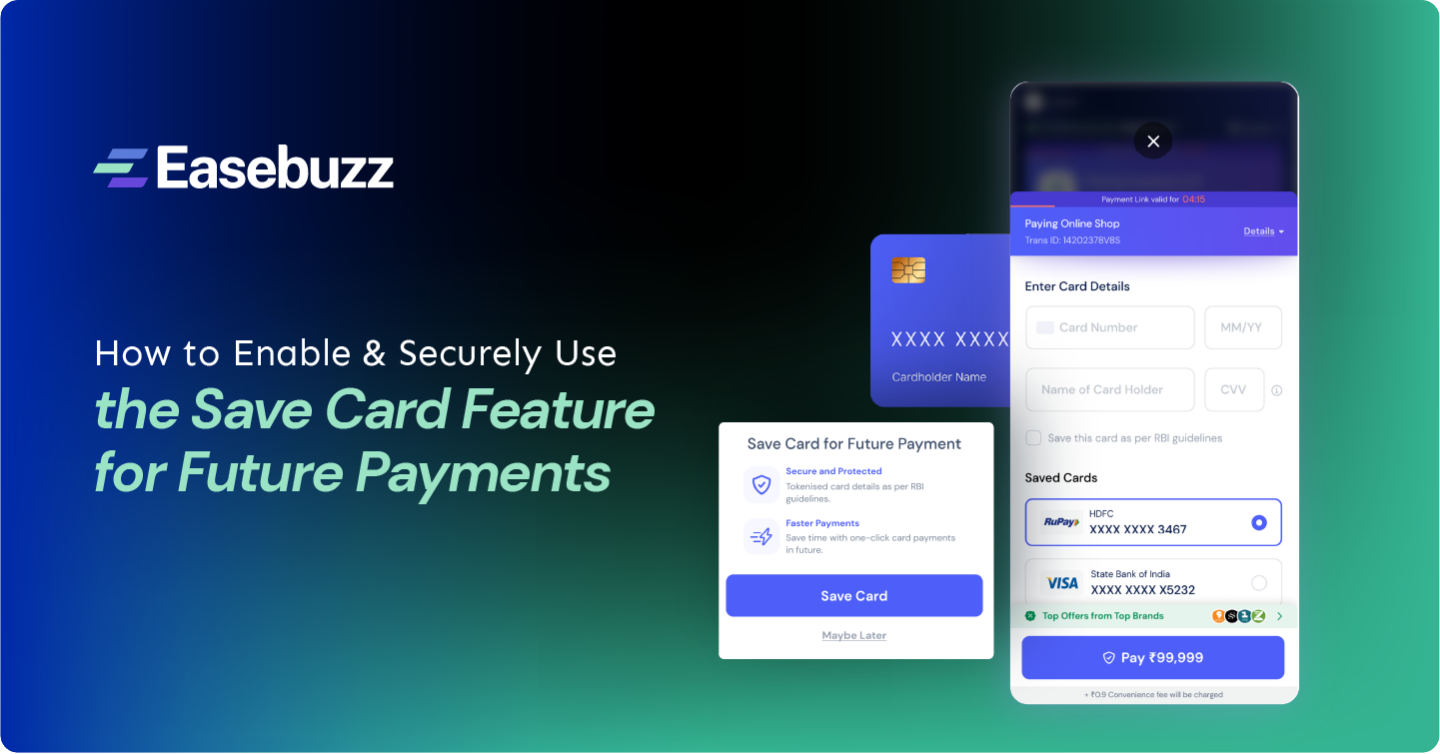
The Save Card feature has revolutionized how customers make online payments-offering speed, convenience, and security in one click. By securely storing card details for future use, it allows users to complete repeat transactions effortlessly. When you choose “Save Card” at checkout, your information is encrypted and tokenised as per RBI guidelines, ensuring it remains safe and never shared with merchants.
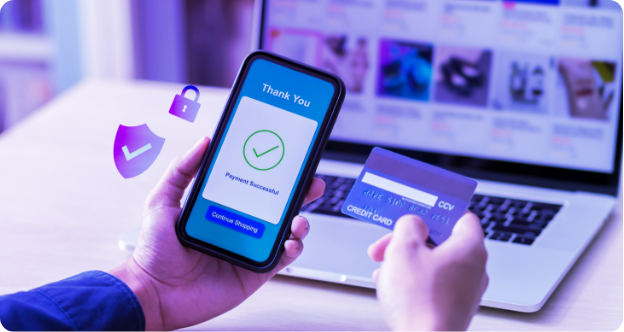
On your next purchase, your saved card appears automatically-no need to re-enter details. For maximum safety, ensure the platform follows PCI DSS standards and uses multi-factor authentication. Avoid saving cards on shared devices and keep an eye on your transaction history. With these simple steps, you can enjoy seamless, fast, and worry-free digital payments every time.
What Is the 'Save Card' Feature?
The “Save Card” feature allows customers to securely store their card details with a trusted payment gateway for future transactions. Instead of re-entering card information every time, users can complete payments instantly with a single click. Behind the scenes, sensitive card data is encrypted and tokenised - meaning the actual card number is never shared with merchants.
This not only ensures faster checkouts but also enhances security and convenience. With RBI’s card-on-file tokeniszation guidelines in place, saved cards are safer than ever, giving users a seamless and trustworthy digital payment experience across platforms.
How Does the 'Save Card Details' Functionality Work?
When you make a payment through Easebuzz, you can choose to securely save your card details for faster future checkouts. Here’s how it works:
- User Consent: During payment, you’re asked if you’d like to save your card. This is entirely optional and requires explicit consent.
- Tokenisation: Once approved, your actual card number isn’t stored. Instead, it’s replaced with a unique encrypted token, in full compliance with RBI’s card-on-file tokenisation norms.
- Secure Storage: This token-useless outside the Easebuzz ecosystem-is stored securely, while sensitive data remains with the card network or issuing bank.
- Easy Management: You can view, manage, or delete saved cards anytime from your payment dashboard.
This process ensures that your card data remains private, compliant, and easy to use, letting you enjoy a seamless, one-click payment experience-without compromising security.
Is Save Card Details with Easebuzz Safe and Secure?
Absolutely. When you save your card with Easebuzz, your data stays protected under the RBI’s Tokenisation and Two-Factor Authentication (2FA) guidelines. Instead of storing your actual card number, Easebuzz replaces it with a secure, unique token-making it unreadable to anyone else.
Each transaction still requires CVV input, OTP verification, and user authentication, ensuring complete control and transparency. Even merchants never see or access your real card information.
With PCI-DSS compliance, bank-grade encryption, and continuous security monitoring, Easebuzz ensures that every payment you make is not just convenient-but completely safe, compliant, and trustworthy.
Key Benefits of the Easebuzz Save Card Details Feature for Businesses
The Easebuzz Save Card Details feature empowers businesses to deliver faster, smoother, and more secure checkout experiences. By allowing customers to securely store their card details (as per RBI tokenisation norms), it significantly reduces the friction of repeated payments.
This convenience leads to lower cart abandonment and higher conversion rates, as customers can complete purchases in just a few clicks. With every quick, seamless transaction, businesses build better customer satisfaction and loyalty, encouraging repeat purchases and long-term relationships.
Moreover, faster checkouts and improved trust translate into higher revenue potential-especially for eCommerce, subscription, and digital service platforms.
Easebuzz also offers a free demo, enabling businesses to experience the benefits firsthand before scaling.
In today’s competitive landscape, offering a frictionless and secure payment experience isn’t just an upgrade-it’s a business advantage.
How the Save Card Option Enhances Customer Experience
The Save Card option is transforming online payments by making transactions faster, smoother, and more convenient. Customers no longer need to repeatedly enter card details for every purchase, enabling one-tap checkouts that drastically reduce friction at the point of payment.
This feature is particularly valuable for recurring or subscription-based payments, where flexibility and speed are essential. By securely storing card information, it saves time, eliminates errors, and enhances overall convenience, encouraging users to complete purchases without hesitation.
Moreover, saved cards provide personalized payment experiences, letting customers choose their preferred payment method instantly. For merchants, this translates to higher conversion rates and improved customer loyalty.
In a world where speed, security, and convenience drive satisfaction, the Save Card option is no longer just a feature-it’s a key factor in delivering a frictionless, customer-friendly payment journey.
Conclusion
A secure and efficient Save Card feature is essential for delivering smoother checkouts and stronger customer loyalty. Easebuzz ensures this with advanced tokenisation, strict RBI and PCI DSS compliance, and end-to-end data protection. By adopting this functionality, eCommerce businesses can enhance user trust, boost repeat transactions, and create a frictionless payment experience that keeps customers coming back.
FAQ's
Is it safe to save card details?
Yes, saving your card is completely safe when done on trusted platforms. Your details are encrypted and tokenised following RBI and PCI DSS guidelines, meaning the actual card number is never shared with merchants or stored insecurely. This ensures complete payment security.
What is card tokenisation?
Card tokenisation replaces your real card number with a unique, randomly generated token during transactions. This token can’t be reverse-engineered or misused, ensuring your card details remain private and protected even if a platform experiences a data breach.
How do I save my card?
When making a payment, simply choose the “Save Card” option at checkout. Your card details will be securely stored through tokenisation for future use. The next time you pay, your card appears automatically-saving you time and effort.
Will I be charged for saving a card?
No, saving your card doesn’t involve any additional fees. It’s a free convenience feature provided by payment gateways and merchants to help customers complete future transactions faster while ensuring data security through RBI-compliant tokenisation.
Can I remove a saved card later?
Yes, you have full control over your saved cards. You can easily delete or manage saved cards anytime from your account settings or during checkout. Once deleted, the tokenised information is removed, and the card will no longer appear for future payments.
Will saved cards work for all transactions?
Saved cards work seamlessly for most online payments, including eCommerce purchases, subscriptions, and digital services. However, functionality depends on the merchant’s payment gateway and your card network’s support for tokenisation. Always check compatibility while saving or using your card.
Share: